SaveClipboardToTXT.bat
Below shows off a batch file that saves already copied text into a text file in the same directory.
Initially I stumbled on to a Reddit post where a user integrated a right-click application to help paste copied text as a text file. The issue I saw was that it involved modifying the Windows registry in order to install it. While that may work for my home computer, it feels a bit invasive and does not allow a widespread use on different machines. I also happen to have enough right-click options as it is too. So I used this as inspiration to create my own version of the application.
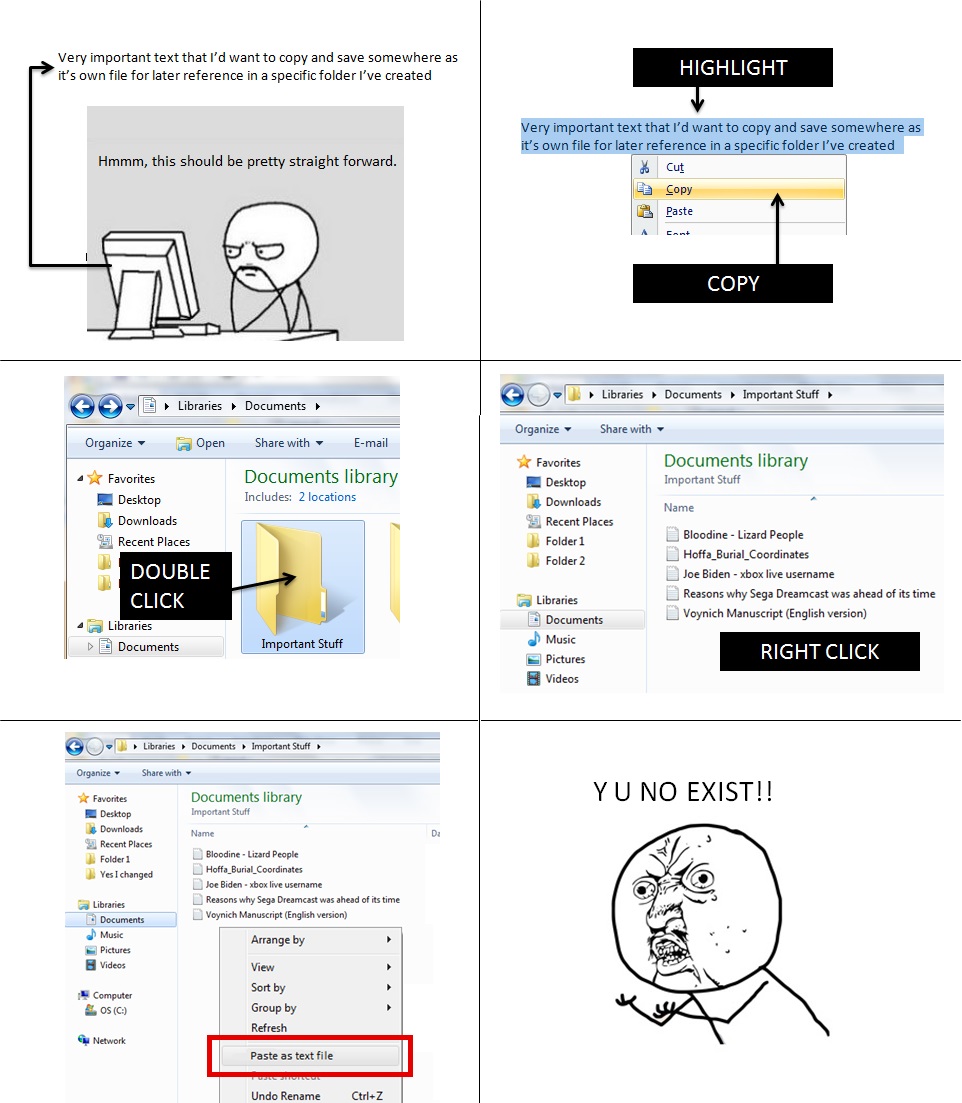 The image post from Reddit user CeruleanAugust showing a use case.
This file takes any text copied from the clipboard and saves it down (in the same folder it is running) as a text file with the date and time as the filename.
If it's an image or file or an object then the text file generated remains empty, which I feel is an OK result that does not need fixing. If I were to fix it though, it would only require some batch script to check if the file was empty (and then deleting it and pausing the script to let the user know if so). It's neater to let it fail silently for my own purposes though.
The interesting bit about this code is that it combines a mixture of Powershell, vanilla batch/CLI and Visual Basic Script. The use of VBScript is to generate the current date in a good format as doing this through the command-line gives a different output depending on the user's date settings. The batch file generates the full VBS file before running it, and then deletes it afterwards. Powershell is used to get the contents of the clipboard to save down.
Using a batch file instead of having it integrated (like the application shared on Reddit) will add an extra step to the process where the user has to copy the batch file to the appropriate folder first. The file is otherwise very portable across multiple Window machines and requires no registry changes or Admin privileges.
echo Function Rpad(strInput, length, character) > "SaveClipboard_getCurrentDateFormatted.vbs"
echo Rpad ^= Right(String(length, character) ^& strInput, length) >> "SaveClipboard_getCurrentDateFormatted.vbs"
echo end function >> "SaveClipboard_getCurrentDateFormatted.vbs"
echo ts ^= Now() >> "SaveClipboard_getCurrentDateFormatted.vbs"
echo WScript.StdOut.Write Year(ts) ^& "" ^& Rpad(Month(ts), 2, "0") ^& "_" ^& Rpad(Day(ts), 2, "0") >> "SaveClipboard_getCurrentDateFormatted.vbs"

FOR /F "delims=" %%i IN ('CSCRIPT /Nologo SaveClipboard_getCurrentDateFormatted.vbs') DO set today=%%i
FOR /F "tokens=1-4 delims=/:." %%a IN ("%TIME%") DO (
    SET HH24=%%a
    SET MI=%%b
    SET SS=%%c
    SET FF=%%d
)
Powershell Get-Clipboard > %today%_%HH24%%MI%%SS%.txt

IF EXIST SaveClipboard_getCurrentDateFormatted.vbs DEL /F SaveClipboard_getCurrentDateFormatted.vbs